Poll
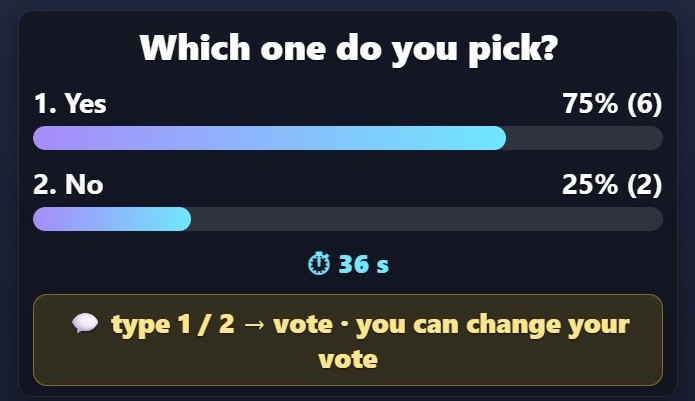
Poll is a stream widget that sits on top of a TikTok LIVE stream. It works with comments.
How it works
Write your question and 2-4 options. Viewers vote by typing 1, 2, 3 or 4. When time is up, the option with the most votes wins, and votes show live.
What it works with
- Comments
What you can set
Before you start it, you choose these in the panel:
- Options
- Duration
- Changing votes
How to add it to your stream
- Sign up for TikPilot, add your TikTok username and pick a plan.
- In the panel, open Poll in the games list, choose its settings and start it.
- Add the link you are given to OBS as a browser source, or to TikTok LIVE Studio as a link source.
With pictures: How do you add games to a TikTok LIVE stream?
From the same group
❤️ Like GoalLikes fill the goal bar and the hearts burst when it is reached. The bar can start over, or the game can end.⏳ Gift TimerA countdown starts and every gift adds seconds to it, and likes can too.🎁 GiveawayViewers enter by typing the keyword (or only gifters, if you prefer).🔔 On-Screen AlertsThe name and profile photo of a viewer who follows, shares the stream or sends a gift pop up on screen in a…💬 Chat BoxThe stream chat flows on your screen: the viewer's name, photo and message.🏅 Top GiftersThe viewers who send the most gifts during the stream are ranked with name, photo and coins; the latest…All gamesThe list of 49 games and stream widgets.
Want to see it on your own stream?
Sign up and add your TikTok username. Once you pick a plan, every tool opens in the same panel.
Stuck somewhere? Write to [email protected].
Last updated:
TikTok is a trademark of ByteDance Ltd. TikPilot is not affiliated with TikTok.